Short, practical video walkthroughs on setting up and using Ctrl-Trade — connecting your broker, tracking trades, and everything in between.
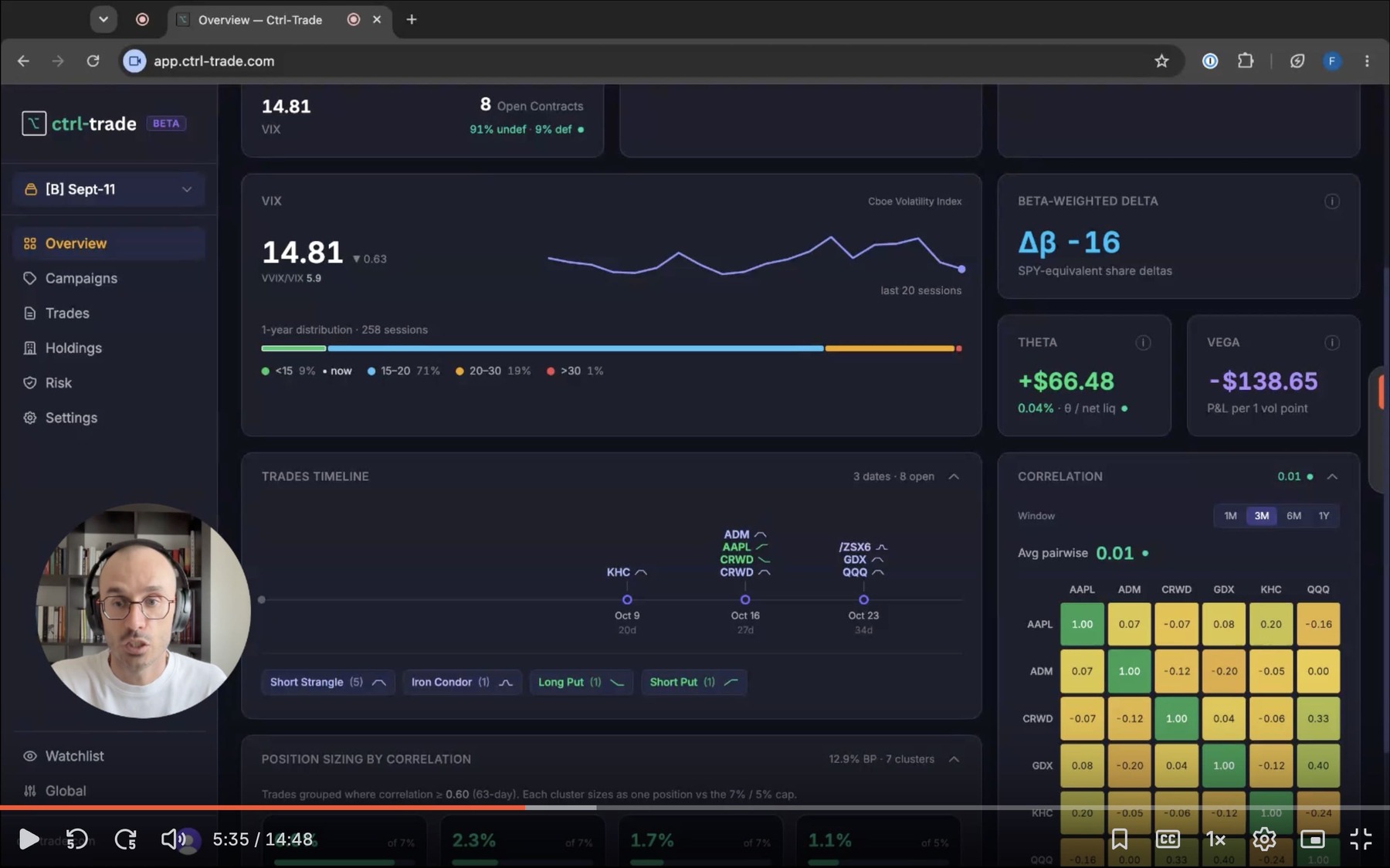
A closer look at the Ctrl-Trade Overview section — your portfolio at a glance, and how to read it.
Francesco Carlucci
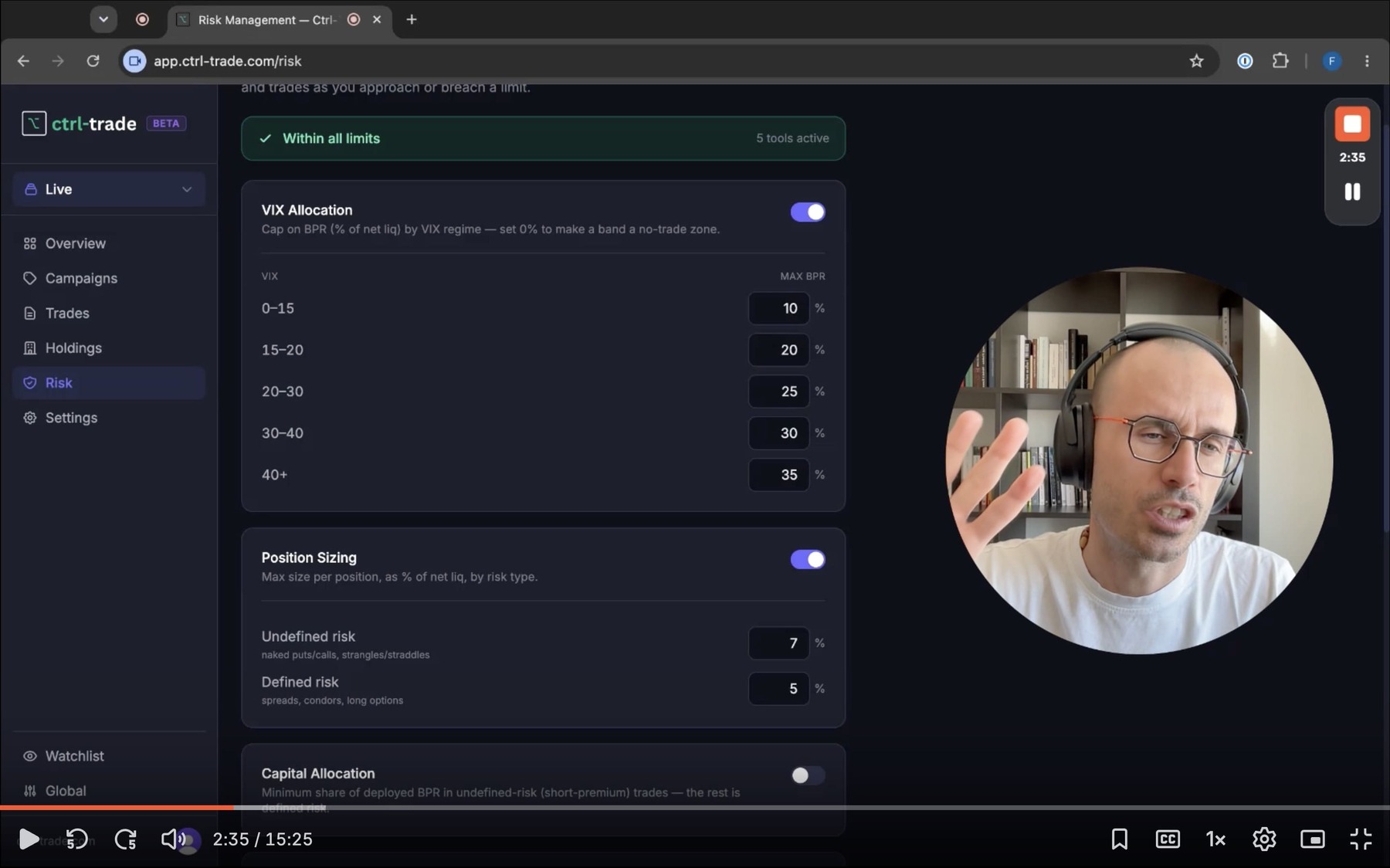
How Ctrl-Trade's risk framework turns your risk tolerance into concrete limits — allocation, position sizing, and the thresholds that drive the dashboard's risk dots.
Francesco Carlucci
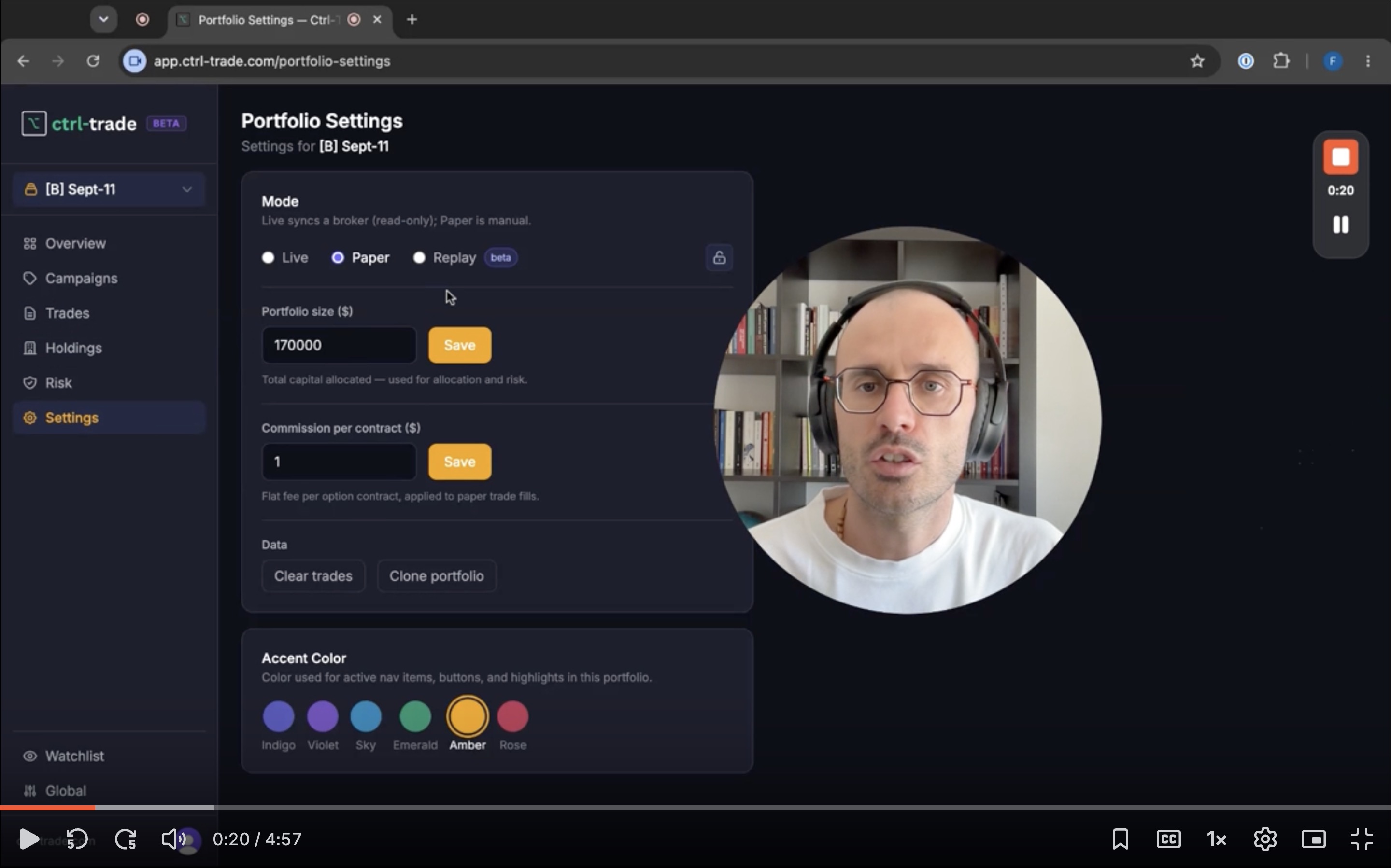
An overview of the three portfolio modes in Ctrl-Trade — Live, Paper, and Replay — and when to use each one.
Francesco Carlucci
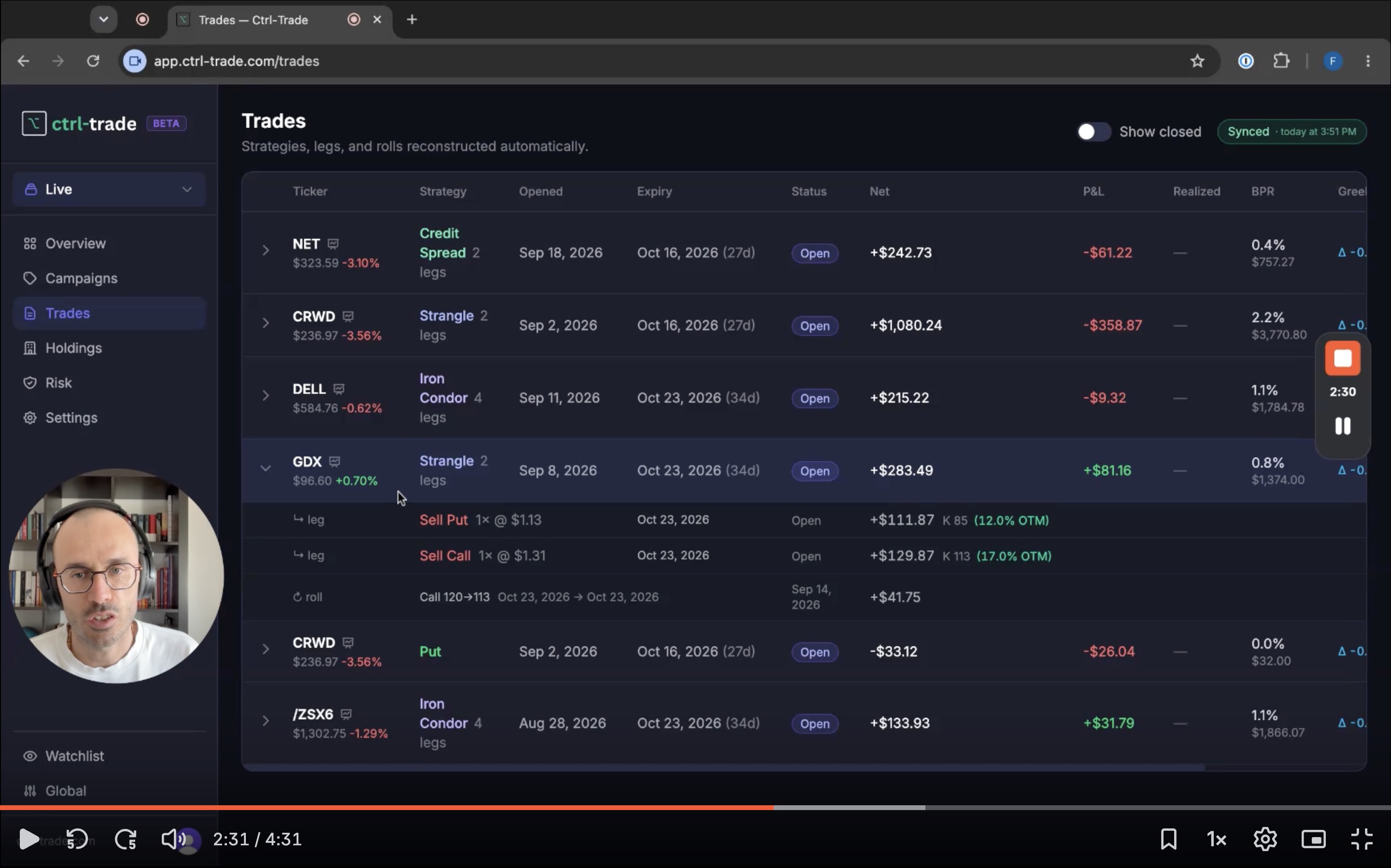
How Live Mode works in Ctrl-Trade — trading and tracking your real portfolio with real capital.
Francesco Carlucci
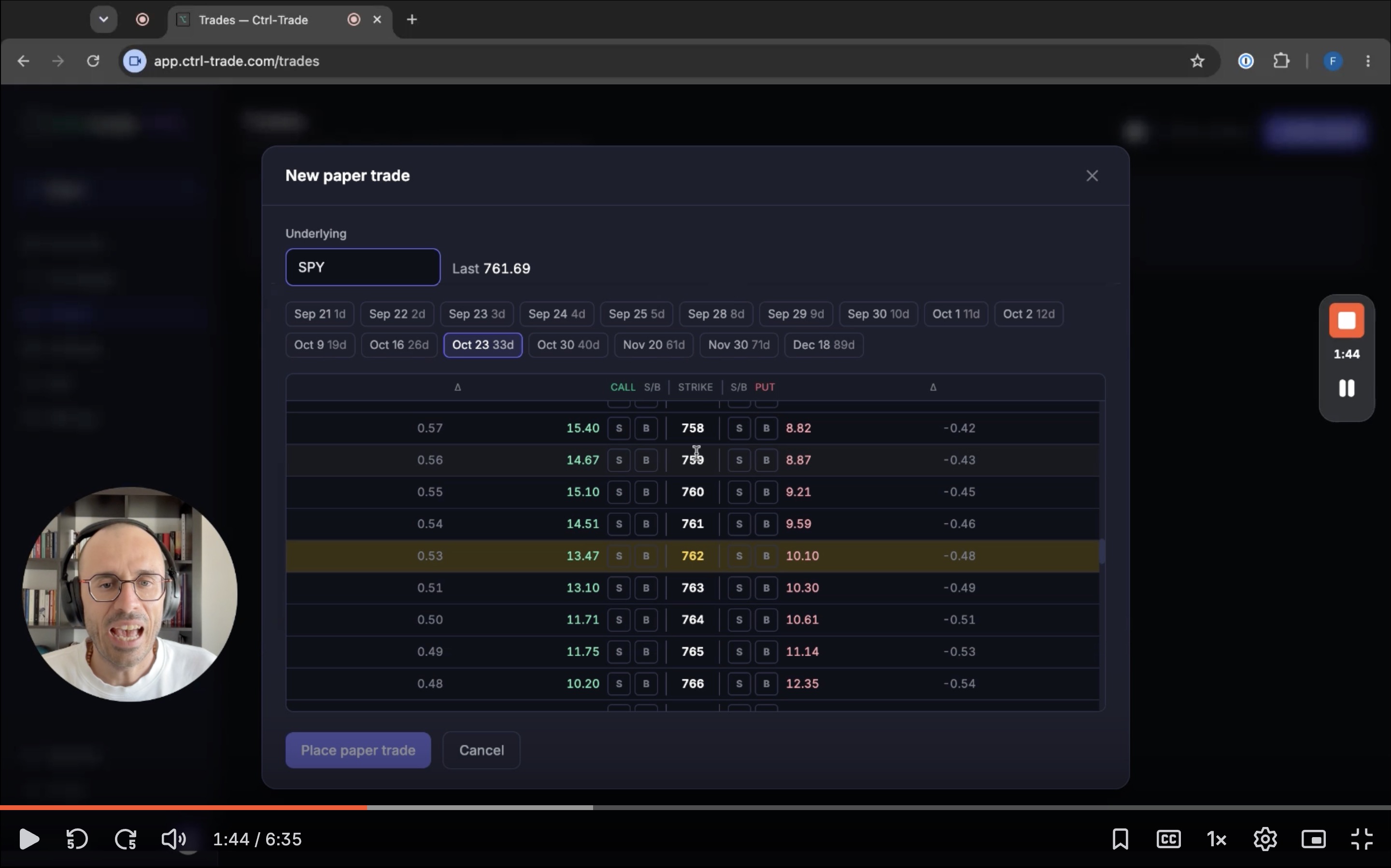
How to use Paper Mode to practice trading in real market conditions without risking real capital.
Francesco Carlucci
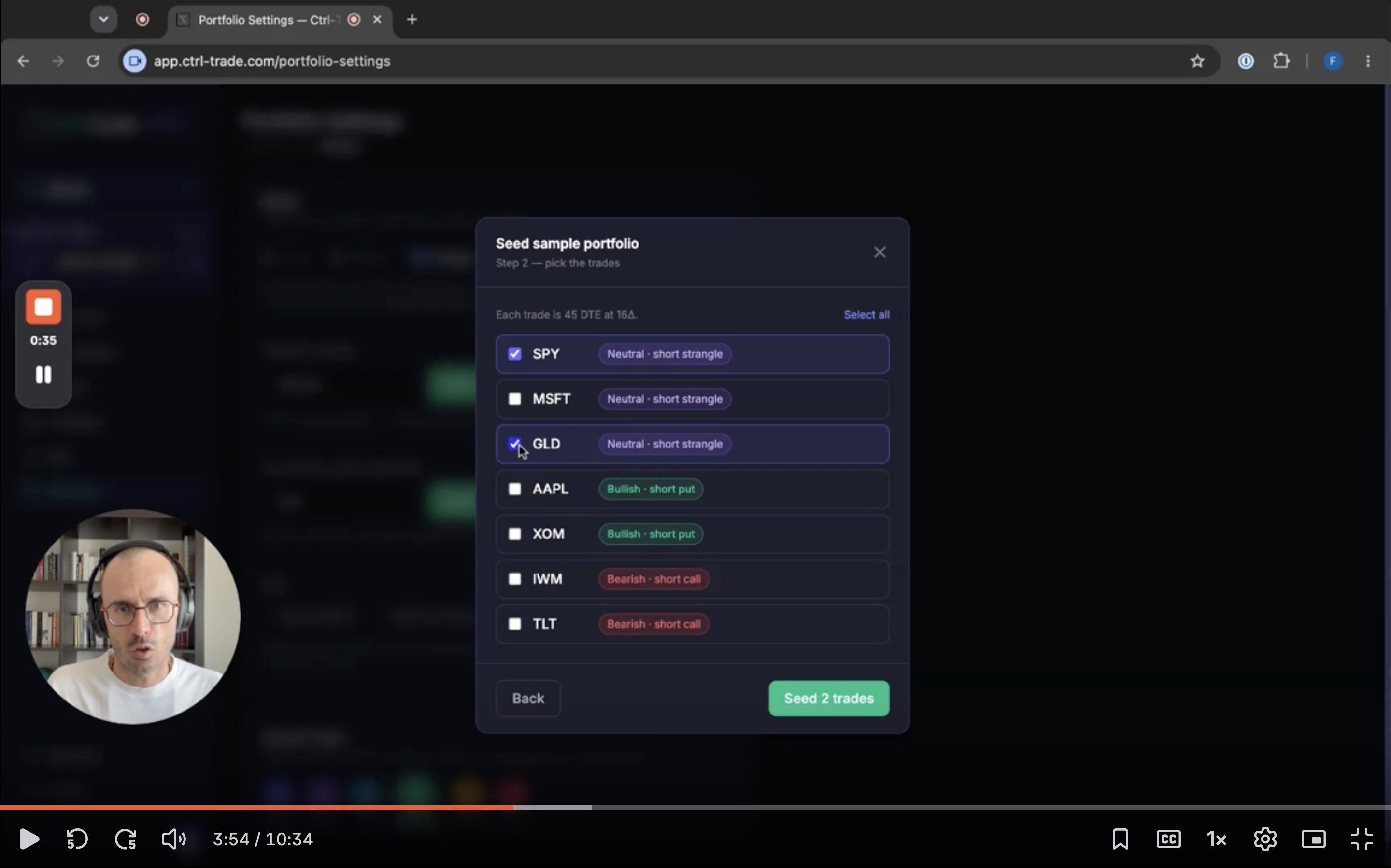
How to use Replay Mode to run your risk parameters against real historical markets and see whether your portfolio would have held up.
Francesco Carlucci
A walkthrough of connecting your TastyTrade account to Ctrl-Trade so your positions and trade history sync automatically.
Francesco Carlucci
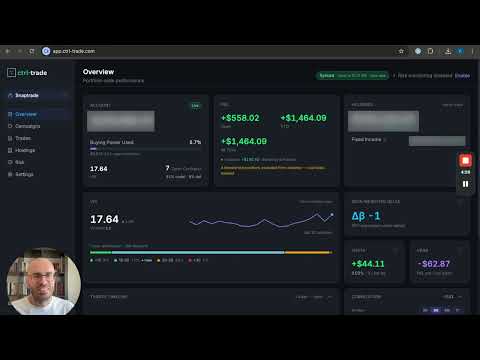
A walkthrough of connecting your brokerage account to Ctrl-Trade through SnapTrade so your positions and trade history sync automatically.
Francesco Carlucci